
No products in the cart.

Does Tempered Glass Reduce Touch Sensitivity?
By Zenkor •
Introduction
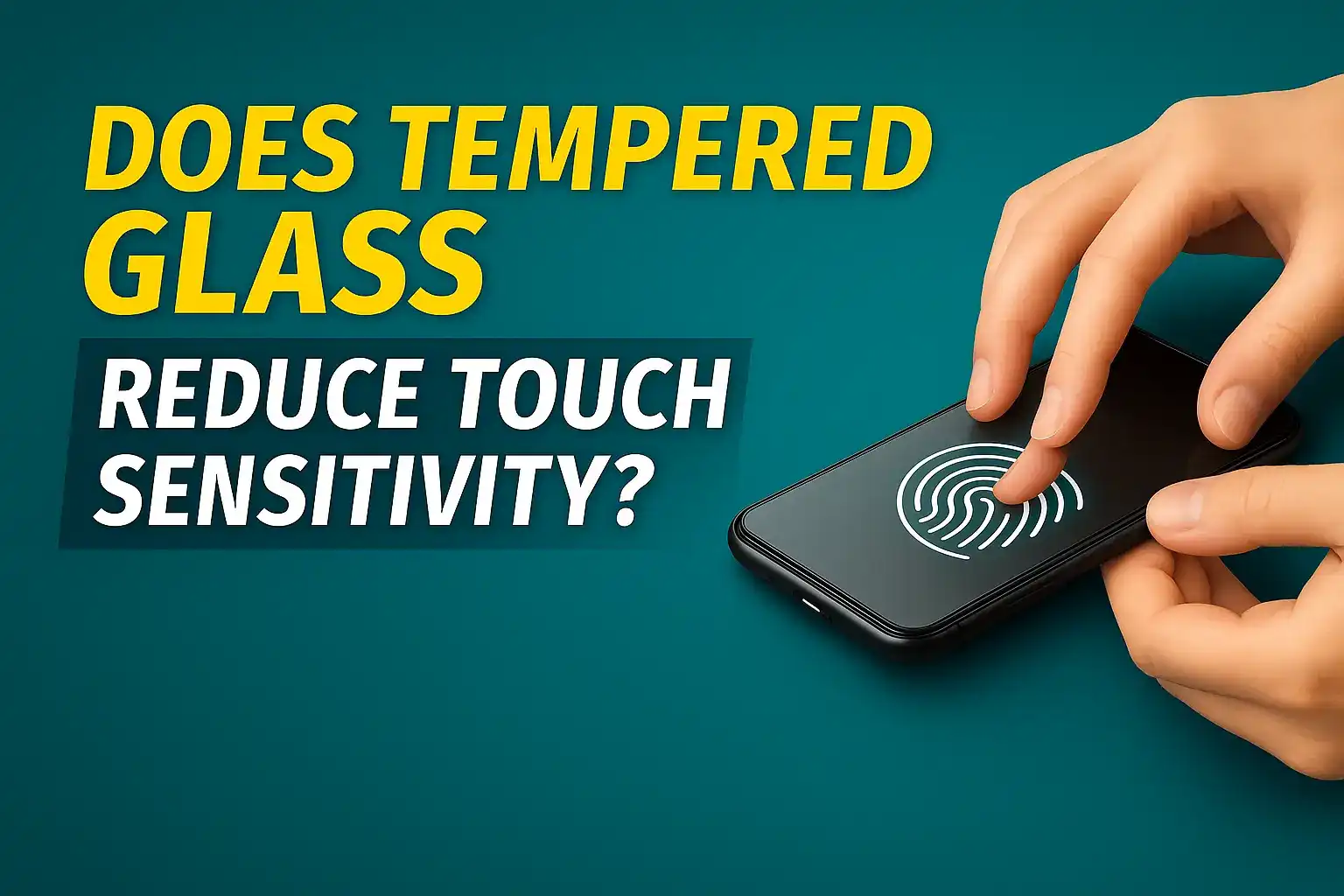
Many smartphone users worry about one common question: Does tempered glass reduce touch sensitivity?
The simple answer is: Good-quality tempered glass does not reduce touch sensitivity. But low-quality or wrong type of screen protector can sometimes cause touch delay or poor response.
In this guide, we explain why touch issues happen and how to fix them easily.
Does Tempered Glass Actually Reduce Touch Sensitivity?
No — tempered glass itself does not reduce touch sensitivity. The real problem comes from:
- Poor-quality glass materials
- Too much thickness
- Weak adhesive layer (edge glue only)
- Incorrect installation
- Bubbles or dust trapped under the glass
If the screen protector is designed properly and installed correctly, touch response remains smooth and accurate.
Why Touch Issues Happen (5 Main Reasons)
1. Low-Quality Edge-Glue Tempered Glass
Many cheap tempered glasses use glue only on the edges. This creates a small air gap between the glass and display, leading to:
- slow touch response
- ghost touch issues
- poor typing accuracy
Solution: Use full-adhesive tempered glass or UV glass for curved screens.
2. Extra Thick Tempered Glass
Some glasses are unnecessarily thick (like 0.5mm or more). This may reduce touch sensitivity slightly on budget or mid-range phones.
3. Dust or Bubbles Under the Glass
If dust is stuck in the center or corners, the touch panel may not receive uniform pressure. This results in slow or unresponsive areas.
4. Poor Installation Technique
Misalignment, uneven pressure, or improper cleaning can create invisible gaps between the display and protector.
5. Using Wrong Type of Glass for Curved Displays
Curved phones need UV tempered glass. Normal edge-glue glass cannot sit properly on curved screens, causing touch issues.
Does UV Tempered Glass Affect Touch Response?
No — UV tempered glass usually provides better touch response than normal glass, especially on curved phones. This is because the UV liquid adhesive bonds the entire surface, removing all air gaps.
Signs Your Tempered Glass Is Affecting Touch
- Screen feels harder to swipe
- Typing errors increase
- Edges do not respond well
- Touch delay during gaming
- Fingerprint sensor becomes slow or fails
How to Fix Touch Sensitivity Problems
- Remove the cheap or faulty glass.
- Clean the screen properly using alcohol wipes.
- Install a high-quality full adhesive glass.
- For curved phones, use UV tempered glass only.
- Enable “Touch sensitivity mode” if your phone has it.
Tip: Most modern phones have a “Screen protector mode” or “Touch sensitivity” option to boost performance.
Do Tempered Glass Protectors Affect Fingerprint Sensors?
On most phones, fingerprint sensors work fine with a good-quality tempered glass. Problems occur mainly when:
- Glass is too thick
- Adhesive layer is weak
- UV glue was not cured properly
In-Display Fingerprint Sensors May Struggle With Privacy Glass
Privacy tempered glass has a special filter layer that reduces viewing angles. But this layer also blocks some of the light that the in-display fingerprint sensor needs to read your finger properly.
Because of this, you may experience:
- Slow fingerprint unlocking
- Multiple failed attempts
- Needing to press harder on the fingerprint area
Tip: If your phone uses an in-display fingerprint sensor, avoid privacy glass.
Choose a full adhesive tempered glass or UV tempered glass for best performance.
Conclusion
A well-made tempered glass does NOT reduce touch sensitivity. Touch problems happen only when the glass is low-quality, too thick, poorly aligned, or not meant for your phone’s display type.
For the best performance:
- Use full-adhesive tempered glass
- Use UV tempered glass for curved displays
- Install in a clean, dust-free environment
Final advice: Choose good quality glass and install it properly — your touch response will remain smooth and accurate.

Add comment