
No products in the cart.

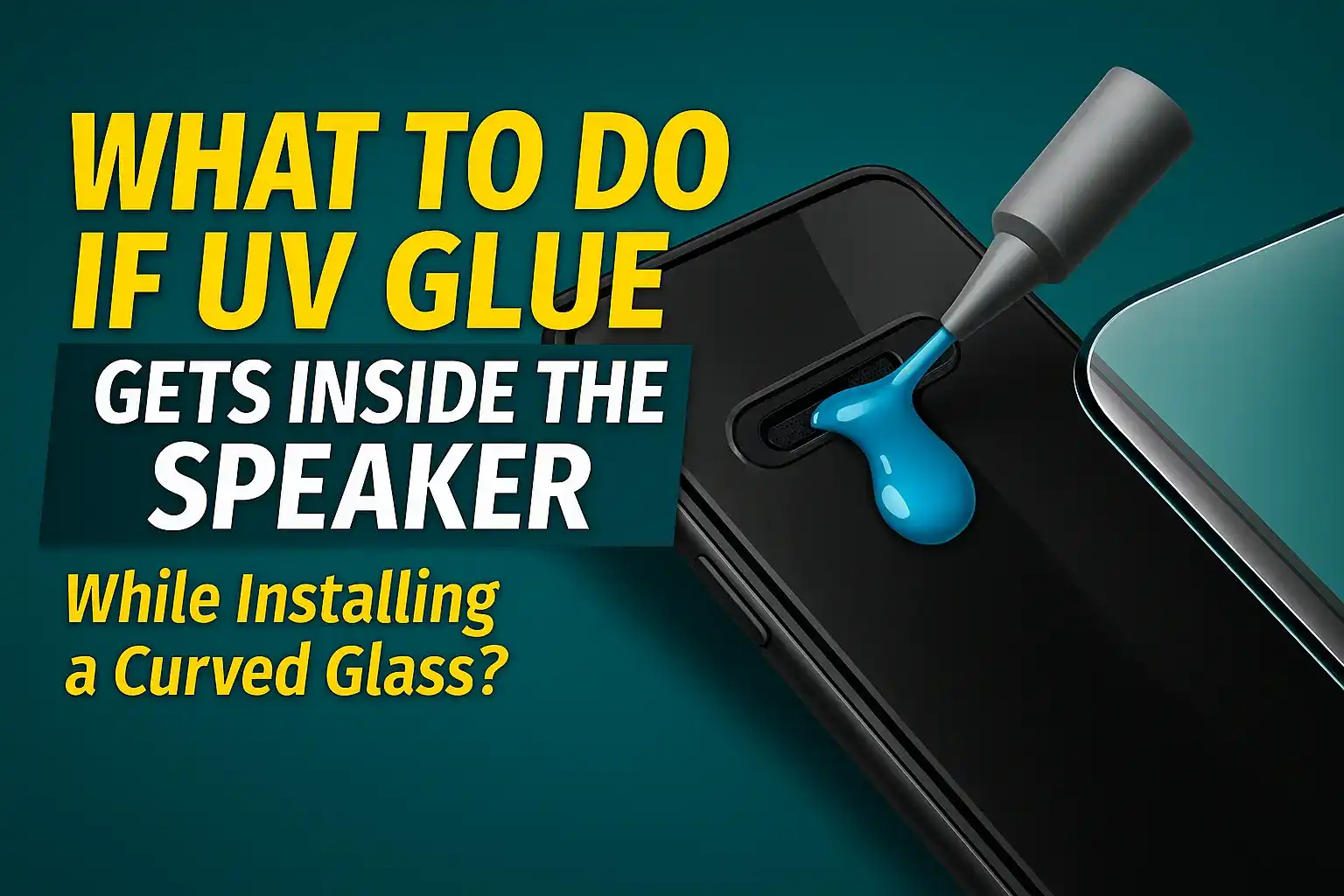
What to Do If UV Glue Gets Inside the Speaker While Installing a Curved Glass?
By Zenkor
Introduction
Curved UV tempered glass gives premium protection and full edge coverage, but if installed incorrectly, UV glue can leak into the earpiece speaker area. This is one of the most common mistakes during UV glass installation. But don’t worry — if you act quickly and correctly, this problem can be fixed easily without damaging your phone.
Why Does UV Glue Enter the Speaker?
UV glue is extremely thin and can move quickly into small openings. Glue enters the speaker mainly because of:
- Excess glue applied on the screen
- Phone tilted during installation
- Very thin top bezels on modern phones
- Large earpiece cutouts
- Not covering the speaker before installation
It usually flows into:
- Earpiece speaker
- Top microphone area
- Proximity sensor space
What to Do Immediately If UV Glue Enters the Speaker
1. Do NOT press the glass
Pressing the glass pushes glue deeper into the speaker mesh. Stop touching the glass immediately.
2. Turn the phone upside down
Hold the phone with the top part facing downward. This helps the glue move outward instead of going deeper inside.
3. Absorb extra glue with a microfiber cloth
Gently touch the speaker area with a dry microfiber cloth. Do not rub or press too hard.
4. Use a cotton bud (Q-tip) for surface cleaning
Lightly touch the speaker grille to absorb glue from the top surface only. Do NOT insert it inside the hole.
5. Keep the phone vertical for 10–15 minutes
Position: Top side down – Bottom side up. This stops further glue movement inside the speaker.
6. Use UV light for 2–3 seconds to freeze the glue
Flash the UV light near the leaking area for 2–3 seconds only. This slightly hardens the glue and prevents it from going deeper.
7. After full curing, check the speaker sound
Some low sound issues fix automatically after the glue dries.
If Sound Is Still Low – What You Can Do
1. Clean the speaker mesh again
Use:
- Dry toothbrush
- Soft paint brush
- Manual air blower
Do NOT use:
- Pins or sharp tools
- Water or alcohol
- Hair dryer or heat gun
2. Let the phone sit for 3–6 hours
UV glue dries and shrinks slightly, improving sound automatically.
3. Use compressed manual air
Gentle air pressure helps clear the outer mesh without damaging the speaker.
What NOT to Do (Important)
- ❌ Do not try to suck out the glue
- ❌ Do not pour alcohol or sanitizer in the speaker
- ❌ Do not insert needles or SIM ejectors
- ❌ Do not use excessive heat
- ❌ Do not remove the glass before curing (glue spreads more)
When Should You Visit a Technician?
Go to a technician if:
- Sound becomes extremely low
- Speaker produces distortion
- Speaker stops working completely
- Glue blocks the entire mesh
- Glue enters the proximity sensor area
A technician can open the phone and clean the mesh internally if needed.
How to Prevent This Issue Next Time
1. Always cover the speaker with tape
Use masking tape or a guide sticker before installing UV glass.
2. Do not use excess glue
Apply one thin line of glue in the center only.
3. Keep the phone completely flat
Tilting the device causes glue flow.
4. Install slowly and carefully
Let the glass settle naturally without pressing too hard.
Conclusion
UV glue entering the speaker is a common installation mistake, but it can be fixed easily with the right steps. The key is to act fast, avoid pressing the glass, keep the phone upside down, and prevent further glue movement.
By following the preventive steps, you can completely avoid this problem in future curved UV glass installations.



Add comment